The short answer
What is Google's advice?
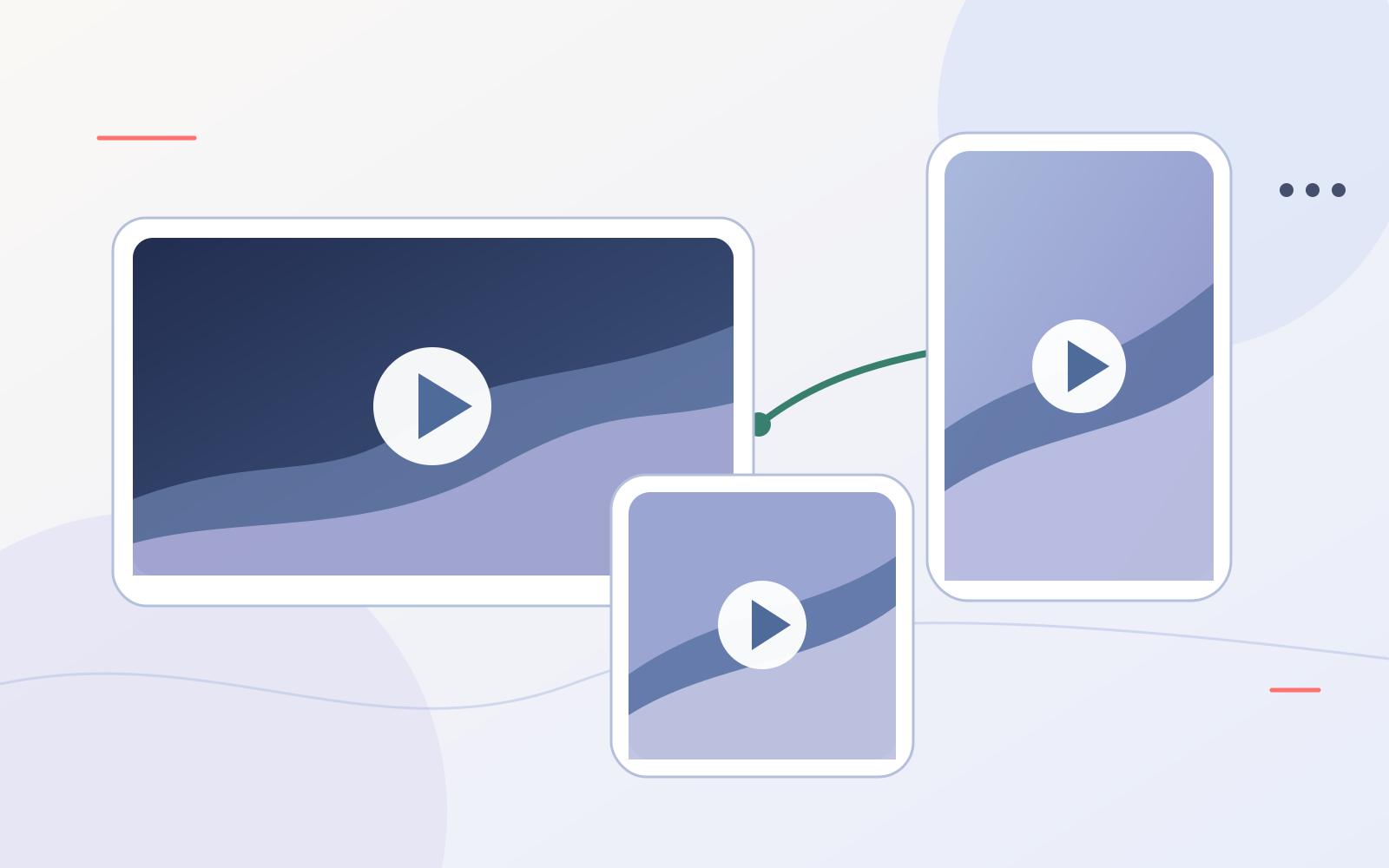
Start Demand Gen with the strong images and videos you already have. Adapt them for landscape, square and vertical placements, use Google's creative tools where they genuinely help, and test changes gradually. Ad Strength is a coverage diagnostic, not proof that an ad is profitable.
You do not need a production studio to start
Google's October 2026 Ads Decoded discussion with Ginny Marvin and Demand Gen product manager Alejandro Osio tackles a common objection: creating enough video for YouTube can feel like a project in itself. Their answer is practical. Existing social content and website imagery can be a sound starting point, provided the assets meet Google's specifications and suit the placement.
That does not mean uploading everything and hoping the system sorts it out. The job is to give Demand Gen enough genuinely different, useful material, then keep checking what reaches people and what brings the right customers back to your business.
Infographic 1
From one useful idea to format coverage
Strong starting asset
A real job, customer story or clear service demonstration
Adapt the story
Preview every version
Check crop, message, brand and call to action before launch
Coverage is not the same as performance
Google says a Good Demand Gen Ad Strength rating reflects coverage across horizontal, square and vertical formats for images and videos, or an eligible video-enhancement route. That helps an ad serve across more inventory. It does not tell you whether the creative is persuasive, whether the landing page converts, or whether the enquiries are worth taking.
For a roofer, for example, a short job-site clip, a before-and-after image and a clear explanation of the service may offer better variety than ten near-identical photos. The goal is useful variation, not an asset count for its own sake.
Test without throwing away what already works
Osio's strongest testing advice is to change creative gradually. Keep the assets that still receive meaningful traffic and perform well while new versions gather data. Adding a large batch at once makes it harder to know what helped, and each asset needs enough delivery before a comparison is credible.
Creative fatigue does not follow a universal four-week or six-week schedule. Watch the trend in asset reporting. If a once-strong asset declines materially, consider a fresh version. If it is still serving and contributing, leave it in place while you add a new candidate. Remove an asset when space is limited and the evidence supports replacing it.
Infographic 2
Keep, add or replace?
Use the new tools, then apply your own standards
Google highlights Asset Studio's multimodal video creation, which can use a website URL and photos as inputs. The discussion also covers tools that generate, shorten or resize videos and adapt images. These can reduce the production burden, especially for teams that have good photography but little video.
The important step is review. Use Google's shareable previews to check how an ad may look before it runs. Examine generated variants for inaccurate visuals, awkward crops, weak claims and off-brand language. A preview shows possible appearances, not a guarantee of every final impression.
Recommended reading
Read Google's original article
Google's short article is the best starting point for its three official takeaways and the full Ads Decoded episode. This Meltzer Media article adds a practical testing and lead-quality perspective for local service advertisers.
Official references
Reviewed 6 October 2026. Product features and eligibility may change.
Google Ads & Commerce Blog: Turn your existing social assets into high-impact YouTube adsGoogle Ads Help: Ad Strength for Demand GenGoogle Ads Help: Creative Excellence GuideGoogle Ads Help: ad previews