Feed-only Performance Max: good strategy, not a Shopping-only guarantee
We like product-led PMax. What we don’t like is assuming the feed keeps every click in Shopping. Here is how to use Google AI without losing sight of your traffic, assets and actual profit.
We’re fans of feed-only Performance Max. We’re not fans of setting it up and walking away. A campaign can look beautifully tidy in the asset group and still deliver a traffic mix you never intended.
The warning about Display, Gmail, Discover, YouTube and Search partner traffic appearing in supposedly feed-only campaigns is worth taking seriously. But a screenshot is a reason to investigate, not proof that Google secretly changed a particular switch.
Feed-only describes your inputs, not a fence around your traffic
The idea is simple: let the product catalogue do the selling. You connect Merchant Center, select the products and avoid adding a separate set of headlines, lifestyle images and video creative. Google even uses feed-only as the control setup in its asset-testing experiments.
Here is the catch: a product ad is a format, not a channel. Product-data ads can run on several surfaces, including dynamic remarketing on Display. A YouTube row does not necessarily mean someone uploaded a video. YouTube Search results are reported under YouTube, not Search partners.
You keep the AI bidding. You do not need every creative feature.
Leaving out additional creative does not turn PMax into manual Shopping. Google’s AI still makes bidding and delivery decisions using the goals and conversion values you give it. For a retailer, that is the interesting part: not “make me more banners”, but “make a better decision about this opportunity”.
Our view: a clean feed, trustworthy purchase values and a sensible target are a better starting point than another batch of generic lifestyle assets. If the campaign learns from duplicate purchases, inflated values or low-value actions, extra automation just helps it chase the wrong outcome faster.
That is why we would fix measurement and product data before arguing about an asset-strength label. “More automation” is not a strategy. Clear commercial instructions are.
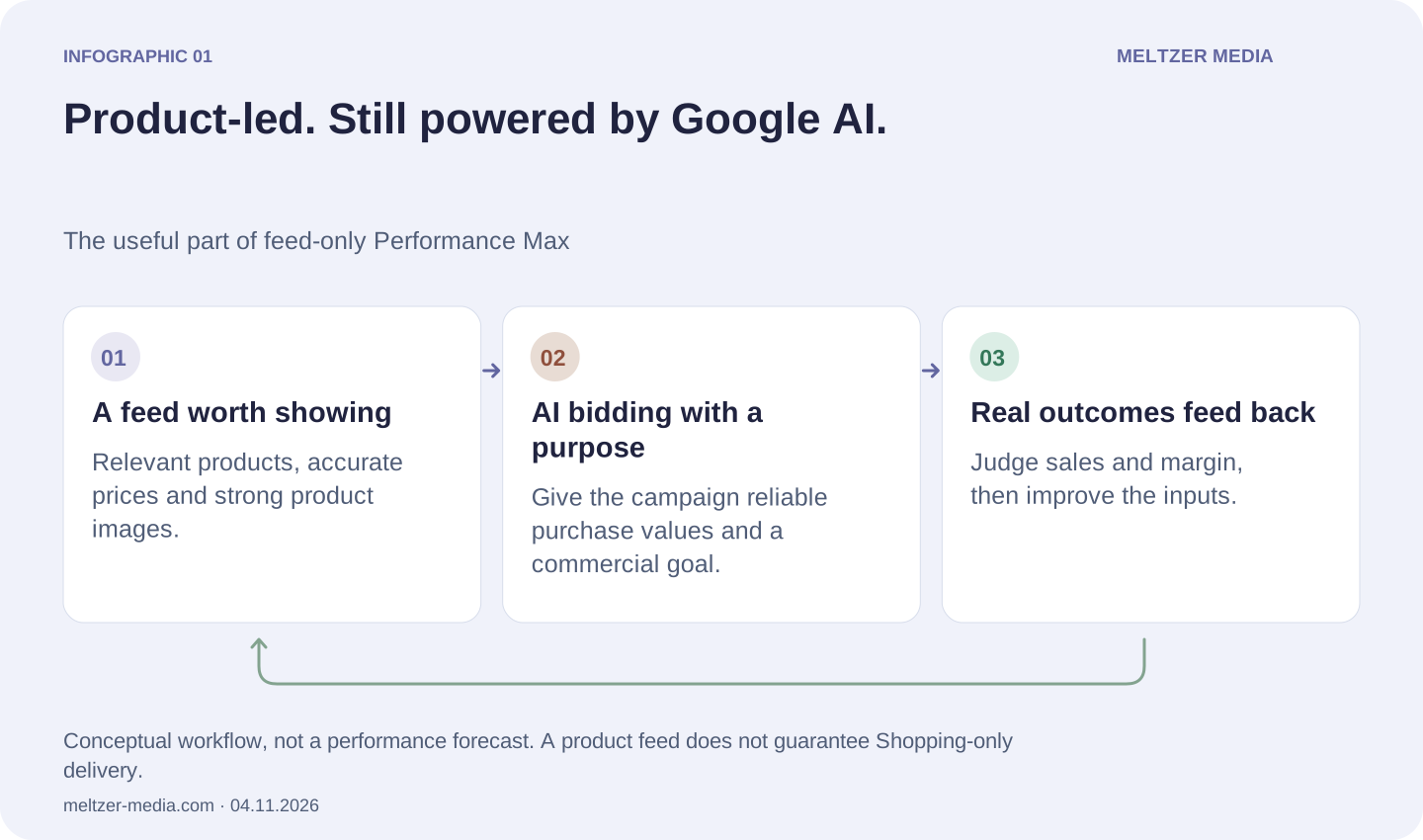
Product-led. Still powered by Google AI.
The useful part of feed-only Performance Max
A feed worth showing
Relevant products, accurate prices and strong product images.
AI bidding with a purpose
Give the campaign reliable purchase values and a commercial goal.
Real outcomes feed back
Judge sales and margin, then improve the inputs.
When feed-only PMax can beat Standard Shopping
It can be a strong option when a shop has reliable purchase data, competitive products and enough activity to judge results properly. Compared with a manually managed or unnecessarily fragmented Shopping setup, PMax can reduce bid-management busywork and find valuable demand you might not have anticipated. That is an opportunity, not a guaranteed uplift.
Let’s drop one lazy argument: Standard Shopping can use Smart Bidding too. Target ROAS is not exclusive to PMax. A fair test compares feed-only PMax with a healthy Shopping campaign, not a neglected manual campaign that has been left to struggle.
We prefer Standard Shopping when its product-led controls and more deliberate setup better fit the business. We would test feed-only PMax when we want the bidding system to do more of the heavy lifting. But it still has to beat the alternative on results. Neither deserves the budget just because it is newer.
Mistake 1: assuming the channel settings stayed as you left them
Check campaign settings, inherited account settings and change history. Inspect Search partner and Display controls where your account exposes them. If you are in an alpha or another experiment, confirm its scope with your Google contact rather than guessing what it changes.
Current Channel Prioritization controls group Google’s own channels together in PMax, with separate partner and Display settings where available. Low priority is not the same as off. Do not treat a best-effort allocation as a guaranteed hard spending cap.
We would document the actual settings before touching them. “It used to be feed-only” is not a configuration record, and a lower percentage of spend on product ads is not the same metric as Shopping impression share.
Mistake 2: leaving creative expansion on while expecting a controlled test
Review Asset optimization, especially text customization, Final URL expansion and landing-page images. For a deliberately product-led test, our starting point is to disable the expansion features that conflict with that brief, using the campaign-level controls available. Then inspect what served.
Final URL expansion concerns destination selection; text customization concerns generated copy. They are related, not interchangeable. Turning off one setting is not a universal “Shopping only” switch. Check existing Google-created assets and associations as well as future generation.
Landing-page image extraction deserves its own check. The campaign control can override the account setting. And if usable text and images exist, do not assume that “we never uploaded a video” rules out automated video. Keep the distinction between supplied assets and eligible creative clear.
Mistake 3: checking the asset group and forgetting the account
Review account-level automated assets, particularly dynamic images and dynamic sitelinks, plus any generated text or longer-headline option actually present. These are relevant audit areas from the warning, not proof that every one of them independently unlocks a new PMax channel.
Google’s current PMax documentation lists dynamic images and sitelinks, but does not establish “Longer headlines” as a universal PMax channel control. Check the actual feature name, associations and “Added by” information in your account. Do not turn an old settings label into a sweeping technical claim.
Also remember the blast radius. Account-level changes can affect other campaigns, including Search. Use campaign overrides where supported and appropriate; do not sabotage good Search assets just to tidy up one PMax test.
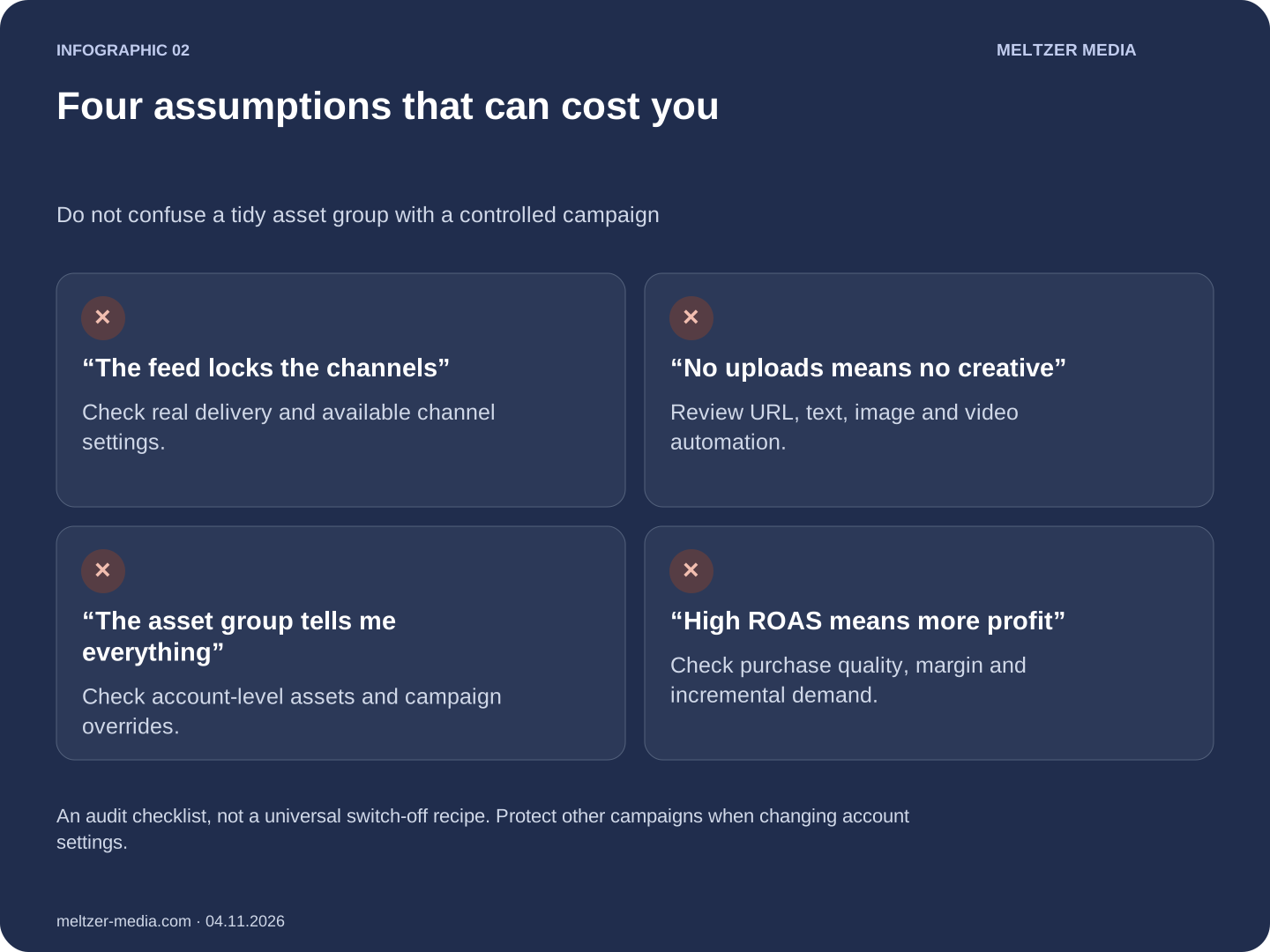
Four assumptions that can cost you
Do not confuse a tidy asset group with a controlled campaign
“The feed locks the channels”
Check real delivery and available channel settings.
“No uploads means no creative”
Review URL, text, image and video automation.
“The asset group tells me everything”
Check account-level assets and campaign overrides.
“High ROAS means more profit”
Check purchase quality, margin and incremental demand.
Before switching everything off, read the right report
Open Channel performance and examine both channel and ad format, including the product-data segment. Compare actual spend, purchases and value, not just the total number of interactions. The product-data segment is not a complete label for every possible feed-based format.
Then look at the business. Is this genuinely additional demand? Are branded and returning-customer sales making the account look healthier than it is? What is left after product costs, returns, discounts and fulfilment? A pretty ROAS does not pay the bills if the margin is wrong.
Our practical sequence is boring on purpose: save the baseline, correct the measurement, review the three settings areas above, change a defined part of the setup and allow for conversion delay before judging it. Where available and suitable, Google’s asset-testing experiment can test adding creative without pretending that a before-and-after screenshot proves causation.
The questions worth asking
Does removing all extra assets stop Display and YouTube traffic?
Not reliably. A feed-only setup does not guarantee a single channel. Check the actual channel and format report, eligible product-data formats and automation settings before deciding what caused the traffic.
Is feed-only PMax better than Standard Shopping?
Sometimes. We would test it when the feed, measurement and commercial goal are strong. Standard Shopping can also use AI bidding, so the winner has to be established with a fair comparison, not a slogan.
Should every automated asset be switched off?
No. Match the controls to the test you want to run. Account-wide changes may affect useful assets in other campaigns. Inspect scope, record the baseline and verify the result.
Read Google’s documentation, not just the hot take
Start with the channel-reporting guide and the automation overview. They explain why “feed-only” and “Shopping-only” should not be used as synonyms. The other links are the references behind the checks above.
- Testing assets against a feed-only setup ↗
- Reading channel and format performance ↗
- Channel priorities and budget allocation ↗
- Final URL expansion ↗
- Text customization controls ↗
- Creative automation overview ↗
- PMax account-level automated assets ↗
- Shopping ads and campaign differences ↗
- Bidding options for Shopping ↗
- What each PMax channel means ↗
Checked against Google’s documentation on 4 November 2026. Controls and availability can change. The recommendations are our judgement, not a promise of results.