Short answer
What did Google announce?
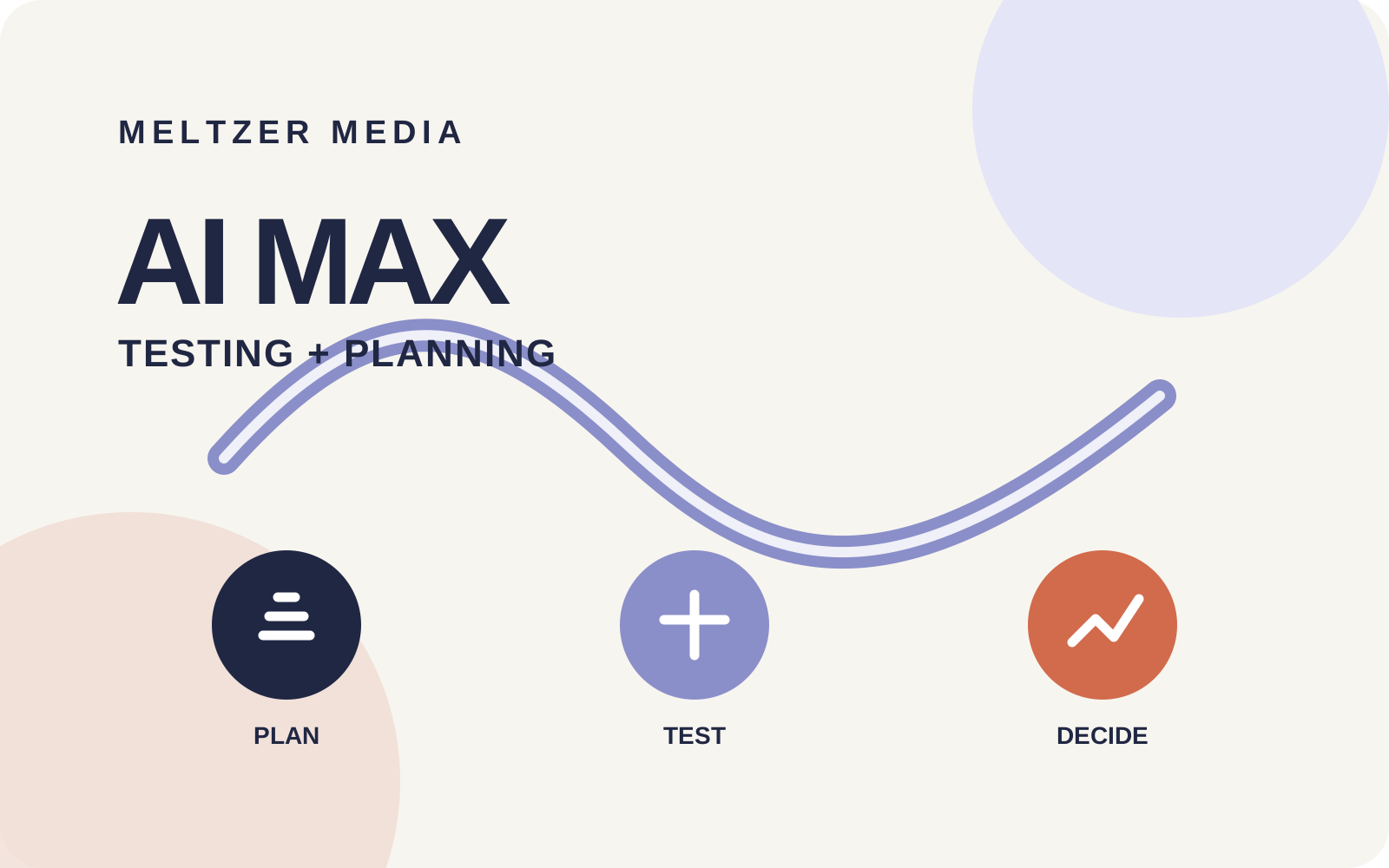
Google announced three practical updates for Search advertisers: a new A/B test for budgets and ROI targets across multiple campaigns, broader support for brand and location controls inside AI Max experiments, and one-click implementation of reviewed Performance Planner suggestions. The multi-campaign test is scheduled to start rolling out in September 2026.
The update
Three tools, three different jobs
Rolling out in September
Test scale across campaigns
Compare different budgets and ROI targets across several Search campaigns in one A/B test. This is intended to show how added investment affects the combined result, rather than judging each campaign in isolation.
AI Max experiments
Keep important guardrails
AI Max experiments can now run with specific brand and location controls enabled. Local-service advertisers can test expansion without dropping the boundaries that protect service areas or brand traffic.
Performance Planner
Move from plan to action
Performance Planner can model changes to bids and budgets, then apply selected suggestions directly to live campaigns. Review remains essential because the click changes real settings.
Meltzer Media view
This is progress, provided testing remains accountable
We welcome the update. Google Ads has often made it easy to expand automation but harder to isolate what caused the result. A cleaner A/B test, especially one that can work across several Search campaigns, gives advertisers a better basis for deciding whether more budget actually creates more value.
For local-service businesses, the decisive metric is rarely the raw number of form submissions. It is qualified calls, booked appointments, jobs won and the margin behind them. An experiment can show a statistically credible platform result while still producing the wrong mix of enquiries. That is why CRM or offline conversion feedback should sit beside the Google Ads test result wherever possible.
Local-service application
Where these tools can help most
The new workflow is especially useful when several campaigns serve one commercial goal but cover different locations, services or demand levels.
A heating company can test extra winter budget across several regional Search campaigns without changing every campaign by hand.
A roofing business can keep location controls active while testing AI Max, reducing the risk of paying for enquiries outside the service area.
A multi-location home-services company can model budget shifts before a busy period, then validate the plan in a controlled experiment.
Infographic 2
From forecast to a defensible budget decision
- 1
Plan
Model budget and target changes
- 2
Test
Hold a clear control and trial
- 3
Qualify
Check calls, appointments and sales
- 4
Decide
Scale, adjust or stop
Before starting
A practical test checklist
- 1
Choose one commercial question
For example: does a 20% budget increase create profitable additional jobs at the current target CPA? Avoid combining several unrelated hypotheses.
- 2
Protect the baseline
Confirm conversion actions, attribution settings, brand rules, location settings and landing pages before the experiment begins.
- 3
Set a meaningful evaluation window
Allow for weekly demand patterns and conversion delay. Do not call a winner after a handful of leads.
- 4
Review lead quality
Connect platform conversions to qualified enquiries, booked work and revenue. If that data is missing, state the limitation before scaling.
- 5
Change only what the evidence supports
Apply the winning setting directly only after reviewing the affected campaigns and the size of the proposed budget or bid change.
FAQ
Common questions about the new AI Max tools
When will the multi-campaign A/B test be available?
Google says the feature will begin rolling out in September 2026. Availability may vary by account during the rollout.
Can AI Max experiments keep brand and location controls?
Google says new AI Max experiment capabilities support tests with specific brand or location controls enabled. Check the exact controls and experiment eligibility in your own account before launch.
Should Performance Planner changes be applied automatically?
Not without review. The tool can apply selected suggestions to live campaigns, but the advertiser remains responsible for budgets, targets and the commercial consequences.
Recommended reading
Read Google’s original article
We recommend the official announcement because it states the rollout timing and the exact scope of the new tests and planning workflow. It is the best reference for Google’s product description; this Meltzer Media article adds the local-service and measurement perspective.
Official sources
Product details and current requirements
Reviewed against Google’s official documentation on 25 August 2026. Product availability and eligibility can change.
Google Ads & Commerce Blog: Make AI Max work for your business with new testing and planning tools Google Ads Help: About AI Max experiments Google Ads Help: About Performance Planner